← All VSTs

OSC-1

Draw it. Play it. Break it.

A synth you draw. Grab your mouse, scribble a shape, and that shape is the sound. Play it with MIDI, then twist five big knobs until it falls apart. No menus or modulation matrix, and nothing to study first.

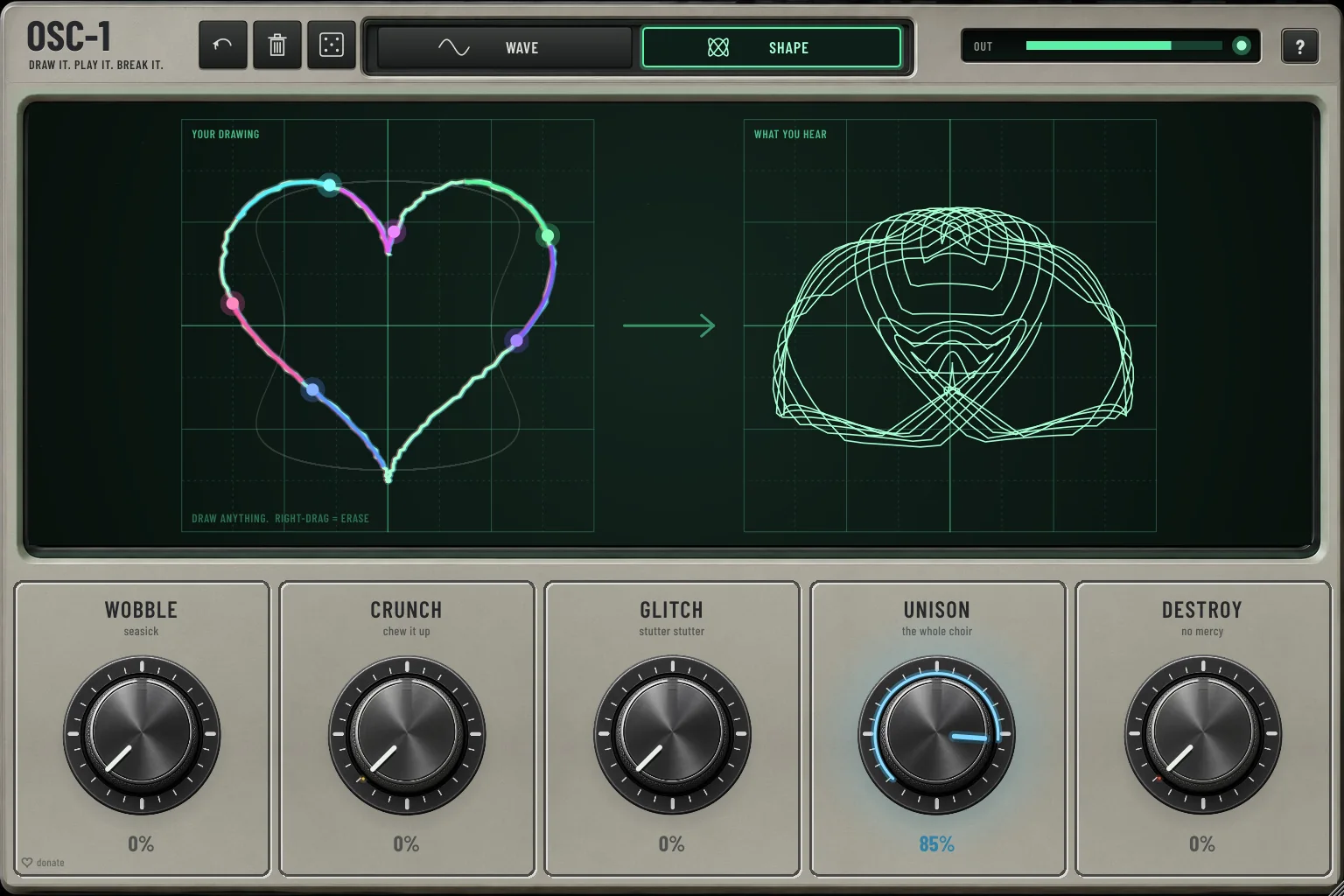
OSC-1 plug-in in SHAPE mode: a drawn heart on the left and the sound it makes on the right, blooming into a spirograph with UNISON at 85%

Try it in your browser

Draw a sound. Hear it.

A small web version of OSC-1. Draw anything on the left screen, then press play or hit the keys. In SHAPE your drawing is traced as sound and shows up on the right like on an oscilloscope. In WAVE you draw one wave cycle. Turn your volume down a little first.

OSC-1Web edition
Your drawingDraw anything. Right-drag = erase
What you hear

Or play with your keyboard: A–K white, W E T Y U black.

A simple browser version for a first taste. The plug-in has 8 voices, anti-aliased wavetables, WAVE mode over your own audio, pitch bend, sustain and a lot more glow.

How it works

Two ways to draw

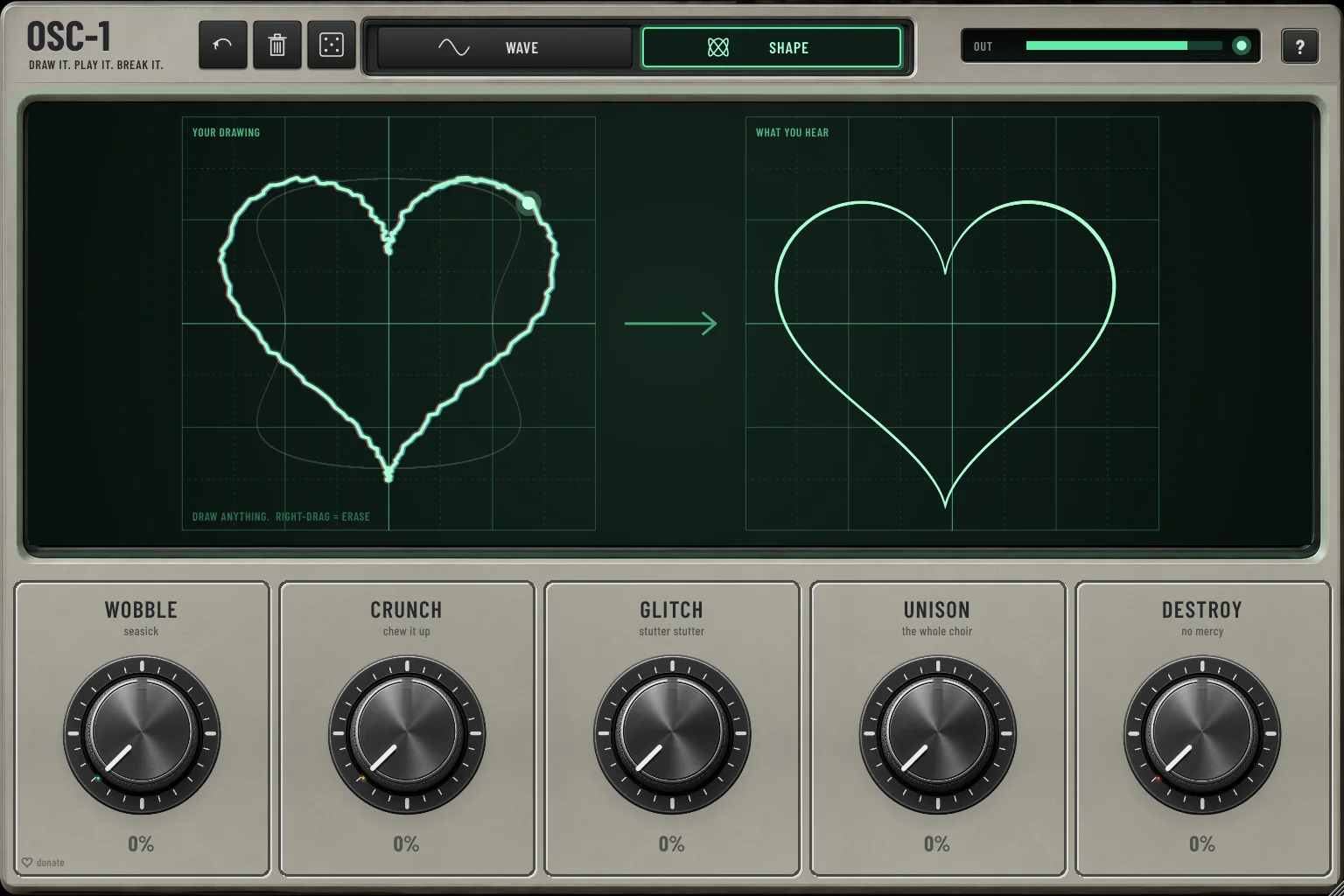
OSC-1 SHAPE mode: a drawn heart and the clean heart you hear

01Shape mode

Draw anything. Hear it.

Switch to SHAPE and draw whatever you like: a heart, a stick figure, a cat, your name. OSC-1 traces your drawing as sound, with left = x and right = y.

Your drawing and what you hear sit side by side, so you can watch one turn into the other. Put an oscilloscope on the output and your drawing shows up right there on the screen.

SmoothA circle sounds smooth and pure.
RawSharp corners and loose lines get raw and buzzy.

You'll want to find out what your name sounds like.
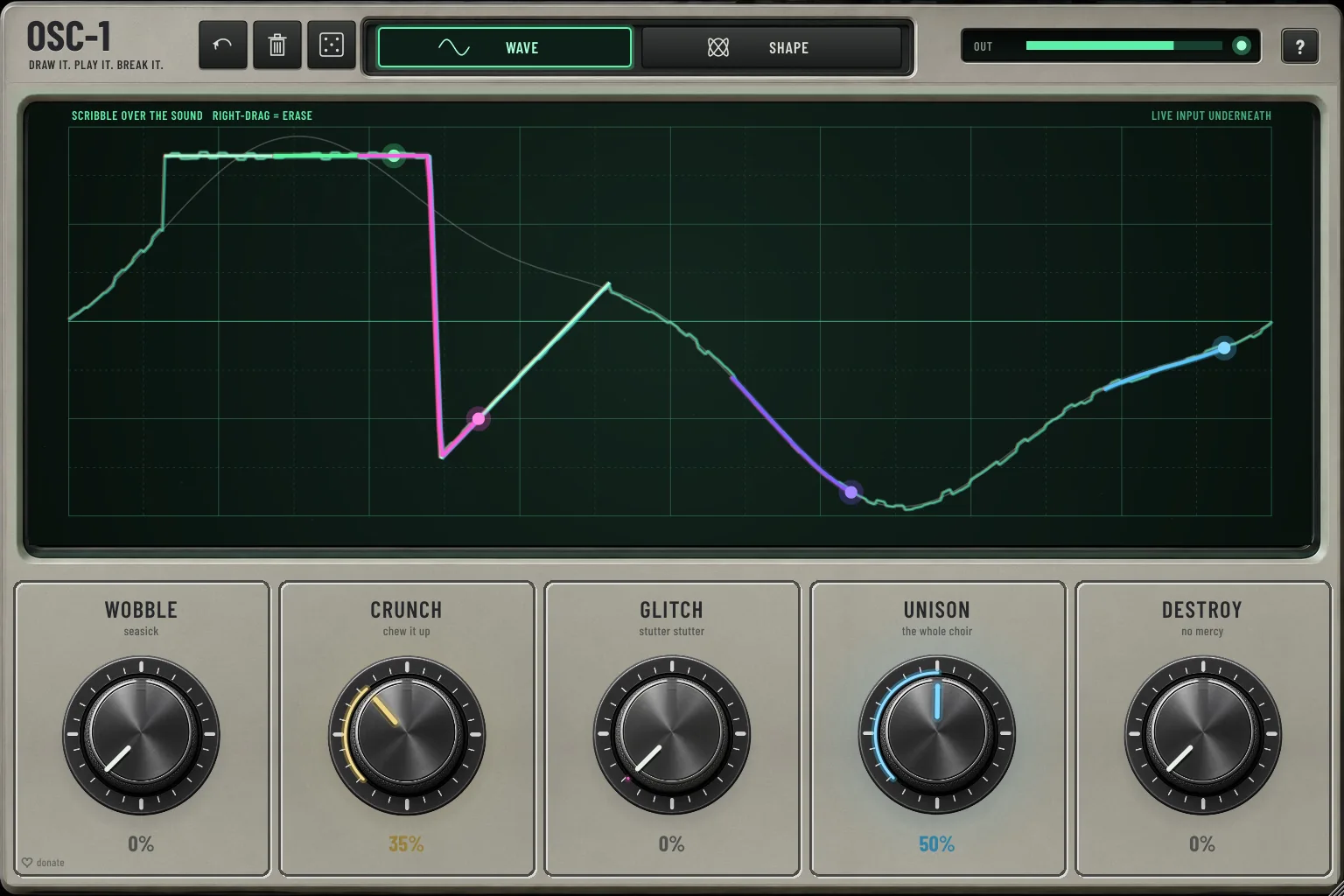
OSC-1 WAVE mode: colourful drawn lines over the live input waveform

02Wave mode

Scribble over your sound

In WAVE mode, OSC-1 shows the audio coming into the plug-in as a live waveform. Draw right on top of it: where you draw, your line takes over, and the rest keeps following the input.

Send a drum loop, a vocal or a bass into OSC-1 and paint new wave shapes out of it.

InputMain input or sidechain, for the live view.
Silent inputThe input itself is never heard. You only hear the synth.

Then break it

Five knobs. That's it.

Wobble

seasick

Seasick pitch that spins the sound around your head.

Crunch

chew it up

Folds and crushes the wave, from buzzy to properly dirty. Loudness is matched, so it gets nastier without getting louder.

Glitch

stutter stutter

Random stutters, sometimes backwards, sometimes double speed.

Unison

the whole choir

Up to seven detuned copies. Every copy gets its own glowing dot racing around your drawing, and the view blooms into a spirograph.

Destroy

no mercy

All of the above at once, plus random octave jumps.

Stuck for ideas? Hit the dice for a random drawing and random knob settings. Double-click a knob to set it back to 0.

03Alive

It moves with the music

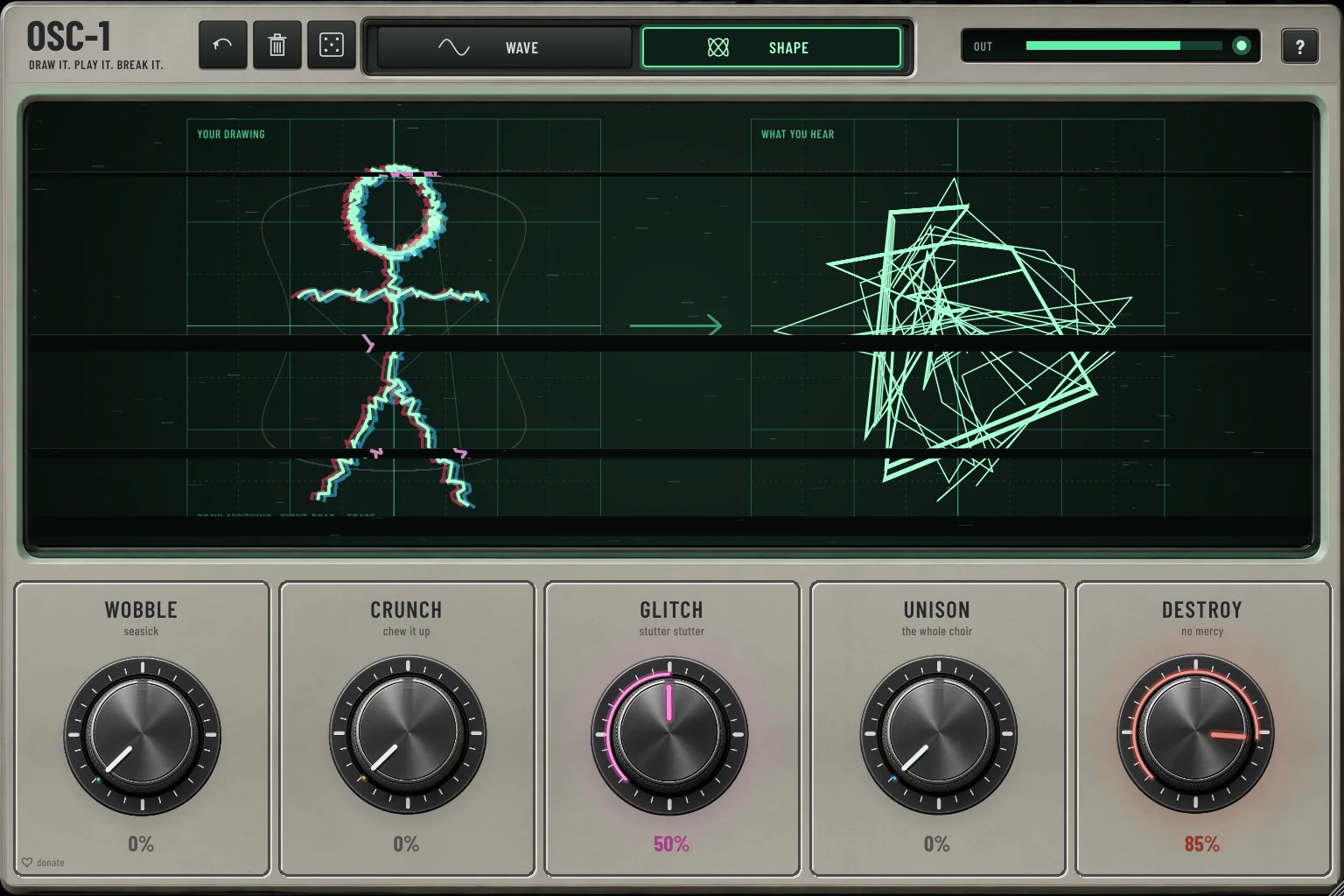
OSC-1 is meant to be watched as well as heard. When you play, the screen shakes, the knobs tremble, traces leave a phosphor afterglow, loud hits split the picture into red and blue, and glitches tear the image apart. The more you turn a knob up, the more it glows.

  • Screen shake
  • Phosphor afterglow
  • Red / blue split
  • Glitch tears
  • Glowing knobs
OSC-1 with GLITCH and DESTROY up: a stick figure torn apart by glitches

Details

Under the hood

  • VST3 instrument for Windows (64-bit)
  • 8 voices, pitch bend, sustain pedal
  • Anti-aliased wavetables: clean high notes, even with sharp drawn corners
  • Audio in through the main input or the sidechain, for the live view in WAVE mode
  • Resizable window, from 768 to 2304 pixels wide
  • Undo and redo for your drawings · built-in help behind the ?

Draw it. Play it. Break it.

Download free VST3

Reviews

What did you draw?

admin